AI character generator.
A first portrait. The beginning of a character.
Shape your character’s appearance, prepare a clear brief, then take it into Lifo Studio to generate and save an image.
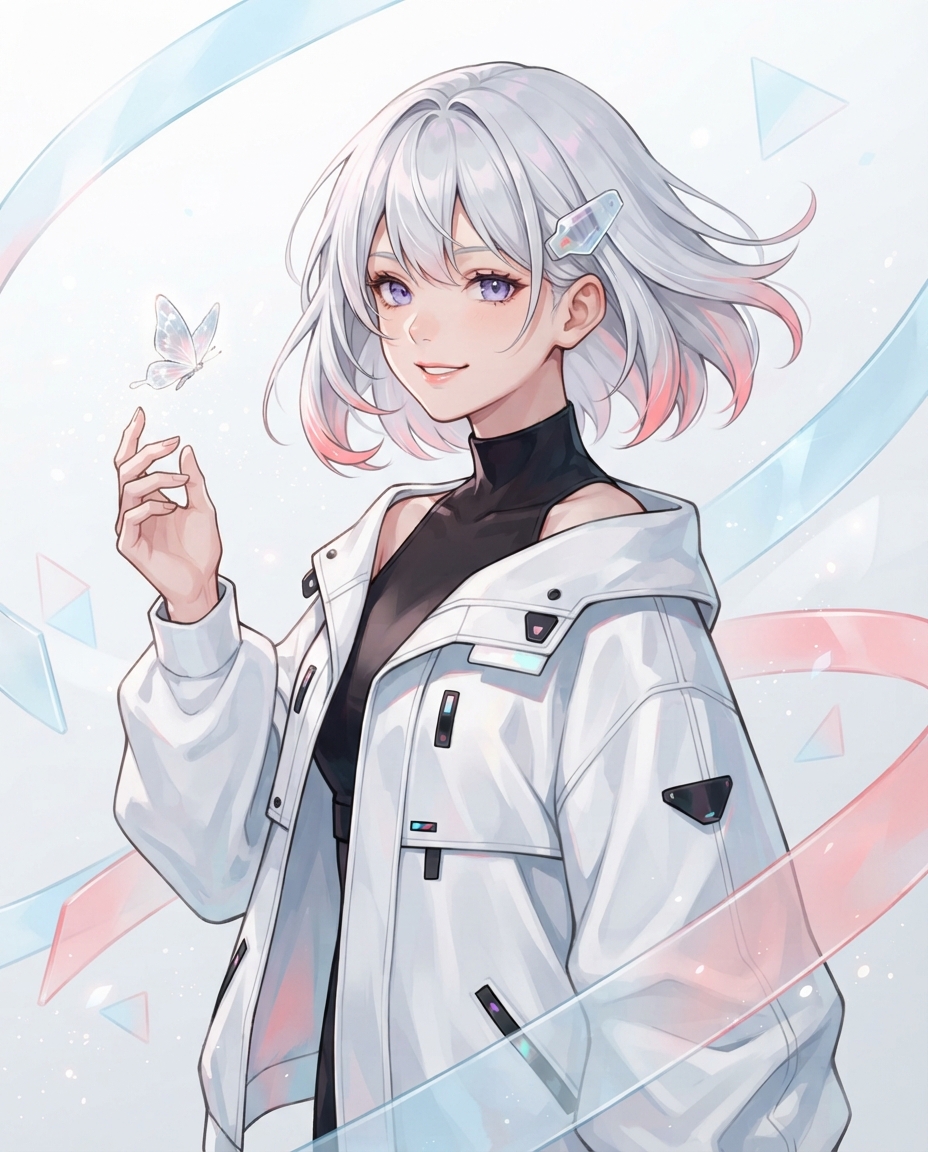 LUMA · existing homepage illustration
Create an original character
you can return to.
A character art generator gives you an image. A reusable character needs a few deliberate decisions: a recognizable silhouette, fixed features and a reason to appear in the next story.
- Describe what identifies them. Use concrete details: silver hair with pink tips, a crystal clip, a loose white jacket. Separate these from the background and camera angle.
- Generate and choose a portrait. Bring this brief to Lifo Studio. Add a reference if you already have art, check the cost, then generate through the connected image service.
- Save the character, not just the picture. Choose a result as the character’s image and edit their profile. Keep past results as references for future work.
For the next scene, use the consistent character workflow. For a portable record, make a character reference sheet.
Before your first image.
Can I create a character from an image?
Yes. The studio accepts PNG, JPEG and WebP references. The current image model supports a single character reference. Keep the subject clear and inspect the output; identity preservation is not guaranteed.
Is this a free, unlimited AI character generator?
The brief builder is free. Studio image generation uses Credits and requires an account. The current local version charges 5 Credits per attempt and returns the reservation if generation fails. Check the studio’s displayed balance and cost before submitting.
Does this create a chatbot, 3D avatar or Live2D model?
This workflow creates a still image and a saved character profile. Chat, 3D meshes, rigging and animation are separate tasks.